Live chat platforms are one of the best tools you can get to optimize your workflow, communicate with clients, and more. The global customer satisfaction rate of live chat users has increased significantly over the past years. There are dozens of useful tools you can get today, so which one is better for your needs?
Ocelot offers an interesting solution aimed at higher education professionals and departments. Its goal is to promote student retention and success, among other things.
Even though Ocelot can be a great chat app for people, it may not suit everyone’s goals. This article covers 10 Ocelot alternatives that you can consider to make the most out of your business.
Let’s get started!
About Ocelot
Ocelot offers a live chat platform powered by human intelligence and AI. Its goal is to “make and maintain personalized connections” for students, providing them with the answers they may need during their day.
Thanks to Ocelot, educational institutions can keep students engaged and improve the quality of communication, which is something that many people struggle with.
Keep in mind that Ocelot isn’t only beneficial to students. It also helps support the staff during their work. The chat widget is easy to implement, and it doesn’t take too much time to learn how to use it. This makes Ocelot a user-friendly option.
10 Remarkable Ocelot Alternatives for Online Communication
As you can see, Ocelot has proven to be a great option for those who want to optimize online communications in educational institutions, but what if that’s not your goal?
You may want to get a live chat app that focuses on other areas, or maybe Ocelot doesn’t have the features you’re looking for.
In any case, you must work with a platform that truly makes things easier for you. Let’s review some of the best Ocelot alternatives you can find today.
#1 – Chatway
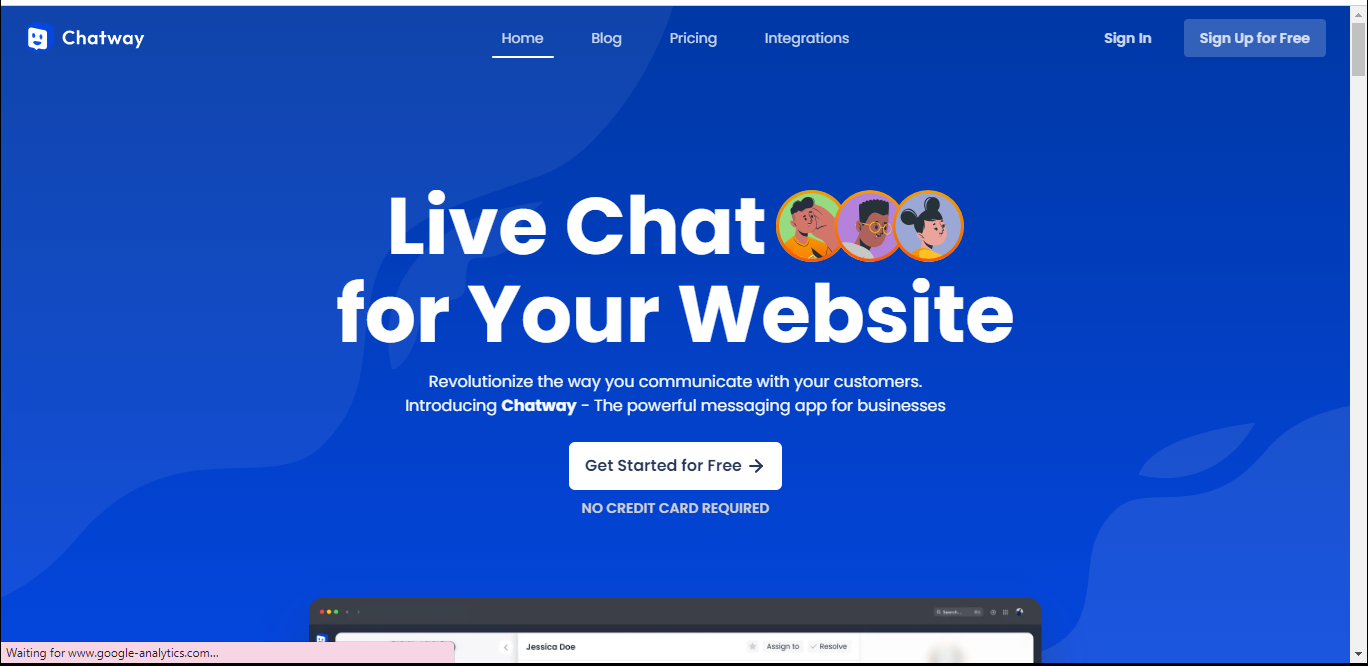
Chatway offers an intuitive live chat platform for your website. Unlike Ocelot, this platform works for most businesses that need a chat widget that’s easy to use.
Thanks to Chatway, you can increase your customer satisfaction rates, optimize your online communications, and get insights into what your clients think about your service.
The best part about Chatway is that it’s free to use. According to the developers, all the features currently available don’t require payment. This is excellent news if you’re on a budget but don’t want to miss out on the power of live chat apps.
Another great benefit of Chatway is that you can integrate your favorite apps, whether it’s Shopify, Facebook Messenger, or Wix, you can keep everything in the same place and make things easier.
Chatway is getting updated constantly with new features, so it may be a great opportunity to get started without sacrificing your budget. You can get started here.
#2 – Chaty
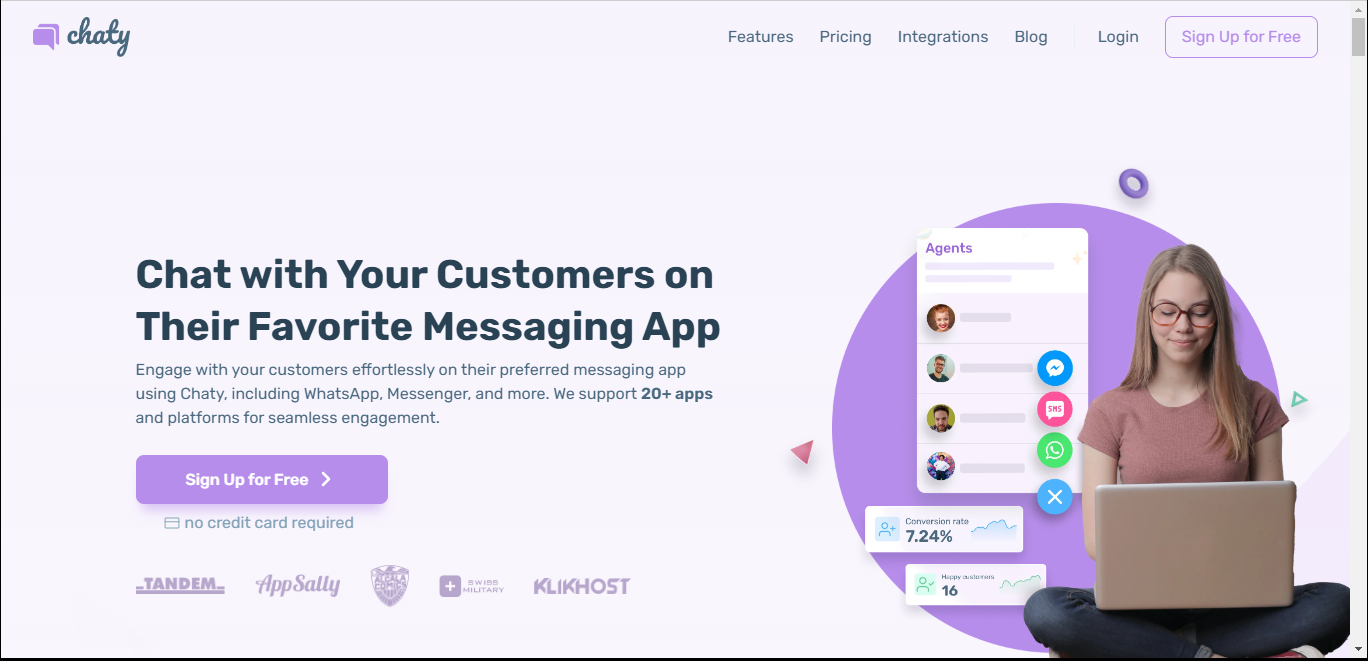
Chaty earns the #2 spot on our list because of its accessibility and compatibility. It covers most (if not all) chat and social networks, meaning you’ll likely be able to communicate with your customers regardless of which messaging app they use.
You can use Chaty to avoid common customer service fails and keep track of those areas where your team may need to improve.
There are plenty of features that make Chaty unique, including custom channels, customizable WhatsApp preset messages, triggers & targeting, and more.
Chaty has four different pricing plans you can consider, depending on your needs and budget:
- Free.
- Basic – $15/month.
- Pro – $39/month.
- Growth – $79/month.
Even though the free plan won’t include the advanced features that can get your online communication experience to the next level, it gives you an excellent introduction to what to expect from the paid plans.
#3 – Zendesk Chat
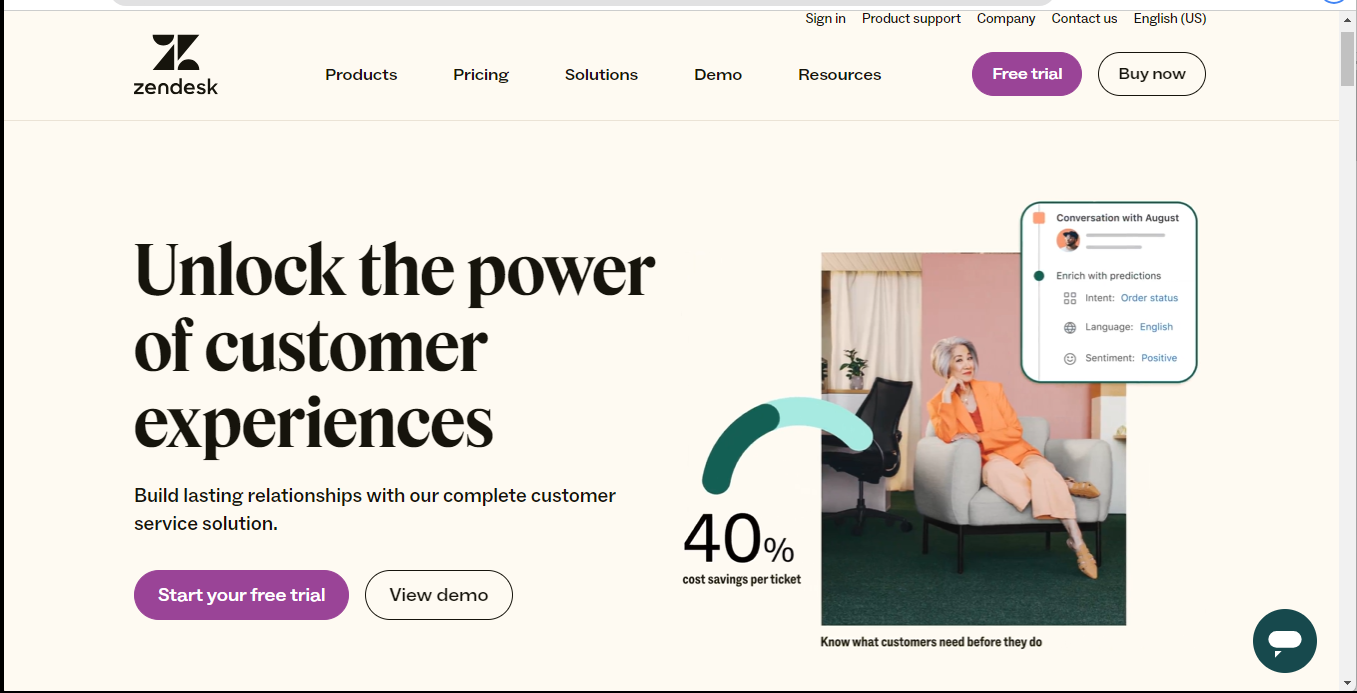
Zendesk is one of the most powerful customer service platforms on the market right now. Its suite allows you to optimize more processes within your business other than chatting, including ticketing, reports, AI, workforce management, etc.
Thanks to Zendesk’s live chat widget, you can allow customers to talk to you from any popular social media platform, including Facebook or WhatsApp. You’ll be able to manage all your interactions from the same place.
Zendesk is available in four different plans:
- Suite Team
- Suite Growth
- Suite Professional
- Suite Enterprise
You also have access to a free trial if you’re interested. If you’re only looking for a live chat platform, then the complete suite may be too much. Other than that, this is an excellent option to consider.
#4 – Intercom
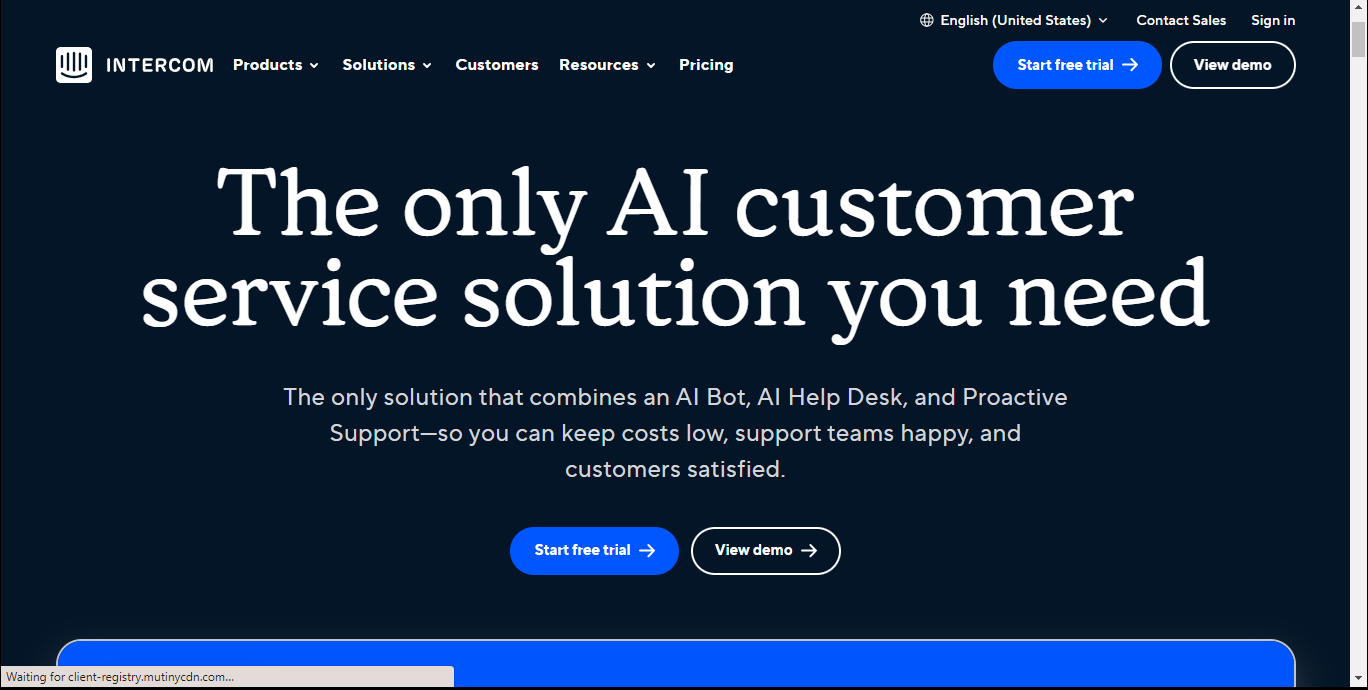
Intercom is a customer service solution powered by AI. It allows you to optimize your customer support workflow while keeping your customers happy.
The AI technology offered by Intercom was designed to provide accurate answers to most customer complaints or questions. If you want to customize the answers, you’re free to do it too.
This tool allows you to reduce your ticket volume by up to 50%, according to the company.
Intercom offers a free trial for anyone interested. If you want to get the real deal, you have three paid options:
- Starter
- Pro
- Premium
#5 – WhatsApp
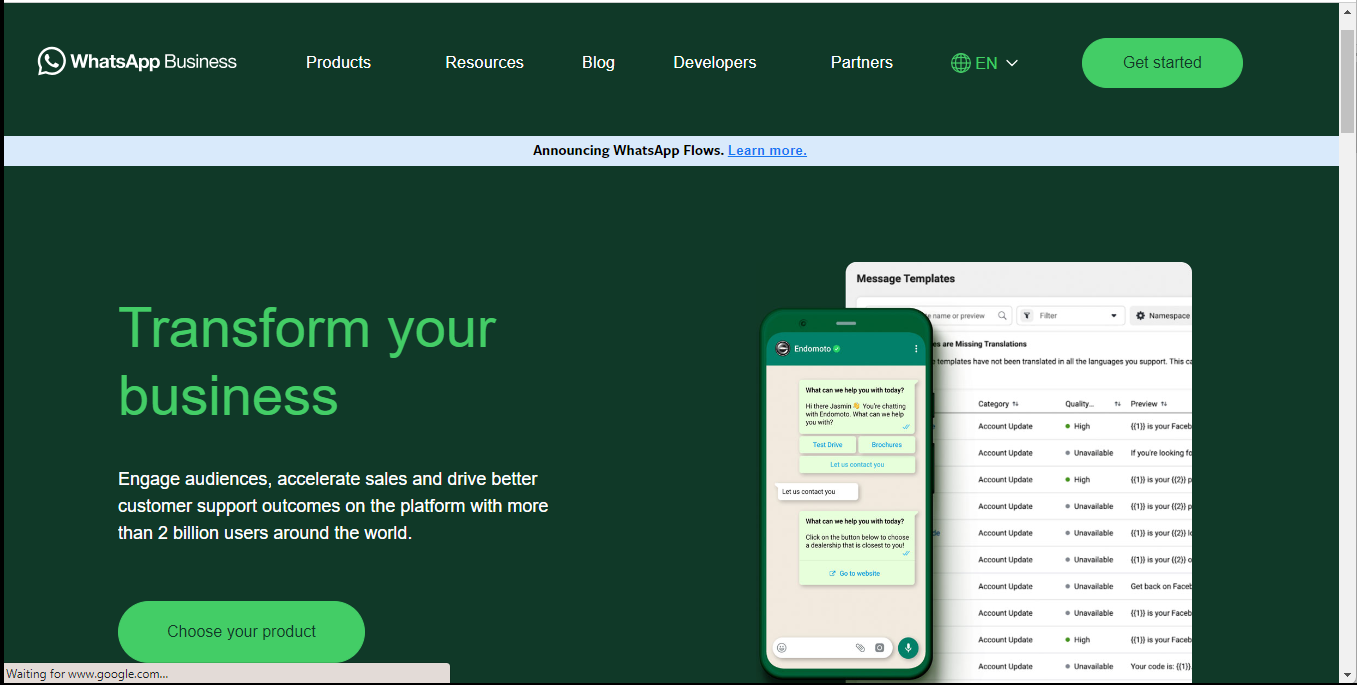
It may not seem like it, but WhatsApp has evolved into more than a simple messaging app for people. Today, it has become a great tool for businesses that want to optimize their customer support tasks.
With this free tool, you can set up your online business in a way that your customers get all the answers they need. Since it’s free, you can pair WhatsApp with another of the platforms on this list and add a custom widget to your website, making it much easier for clients to contact you.
#6 – Slack
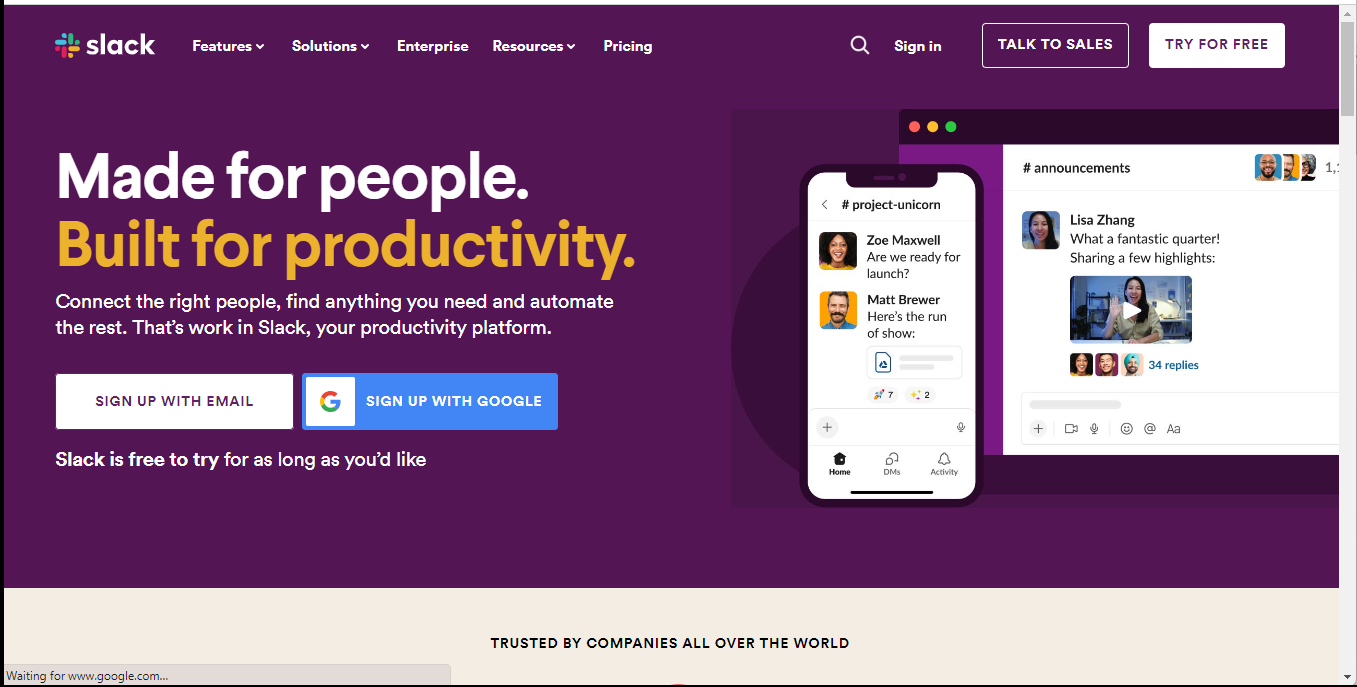
Slack is a popular productivity platform that allows businesses and people in general to automate tasks and keep everything from their workplace organized.
There are plenty of features you can expect from Slack, including messaging, audio and video calls, efficient file sharing, workflow builder, and more. You can also integrate Slack with other services or apps like Gmail, Zoom, Google Drive, and more.
Slack offers a free plan, as well as three paid ones:
- Pro
- Business+
- Enterprise Grid
You may want to consider Slack if you’re looking for an affordable solution to improve your online communication. Even the high-tier plans offer competitive rates that won’t destroy your budget.
#7 – Formilla Live Chat
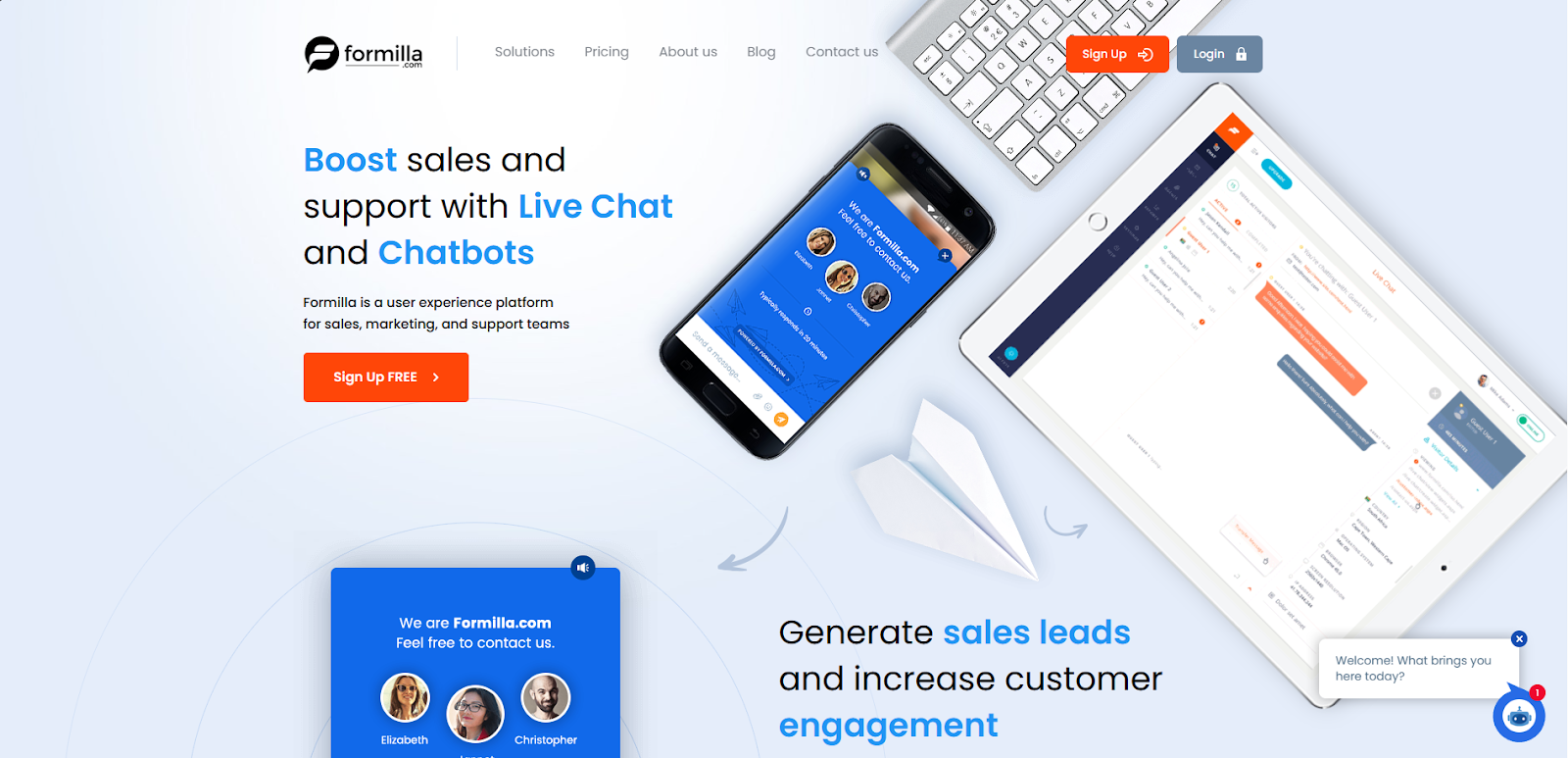
Formilla helps business owners generate more sales leads while improving customer engagement rates.
You can expect several methods to communicate with your clients, including automated chatbots, engaging popups, and managed live chat services.
Formilla offers people a clean and intuitive user interface where you can access all the tools you need to communicate. If you’re ever in a hurry and can’t talk to your customers, you can leave the chatbot to help.
You can choose from one free plan and three paid ones:
- Premium
- Professional
- Growth
Even though the free plan offers limited features, it’s still a great way to get introduced to Formilla. You can also get a 15-day free trial for the other plans.
#8 – Tidio
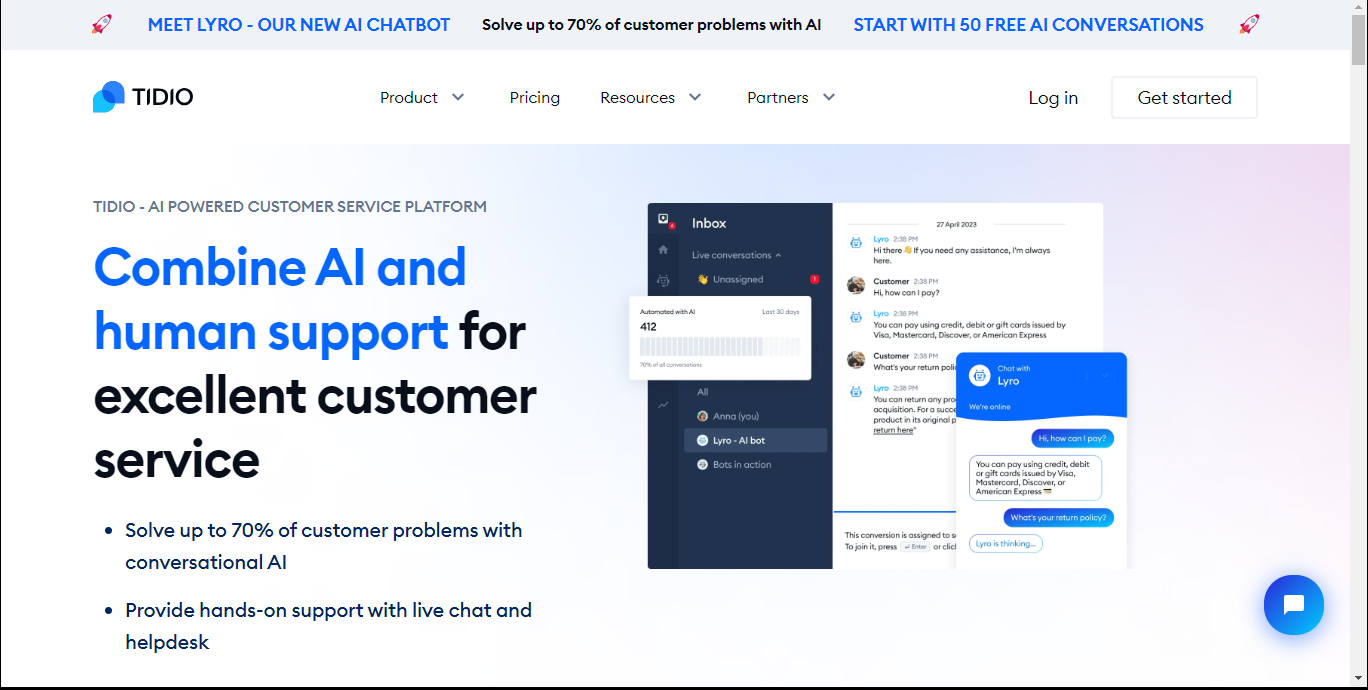
Tidio is another platform that combines human intelligence and AI to improve the customer service experience. According to the company, you can solve up to 70% of complaints with its conversational AI technology.
Thanks to Tidio Multichannel, you can connect your account to different social media platforms, allowing you to improve your team’s efficiency and check on reports faster.
Tidio offers one free plan and three standard, paid plans:
- Started
- Communicator
- Chatbots
You can also get a bundle that includes both the Communicator and Chatbot features. Unfortunately, Tidio’s AI solution, Lyro, is only available as an add-on for $39 per month.
#9 – Appy Pie
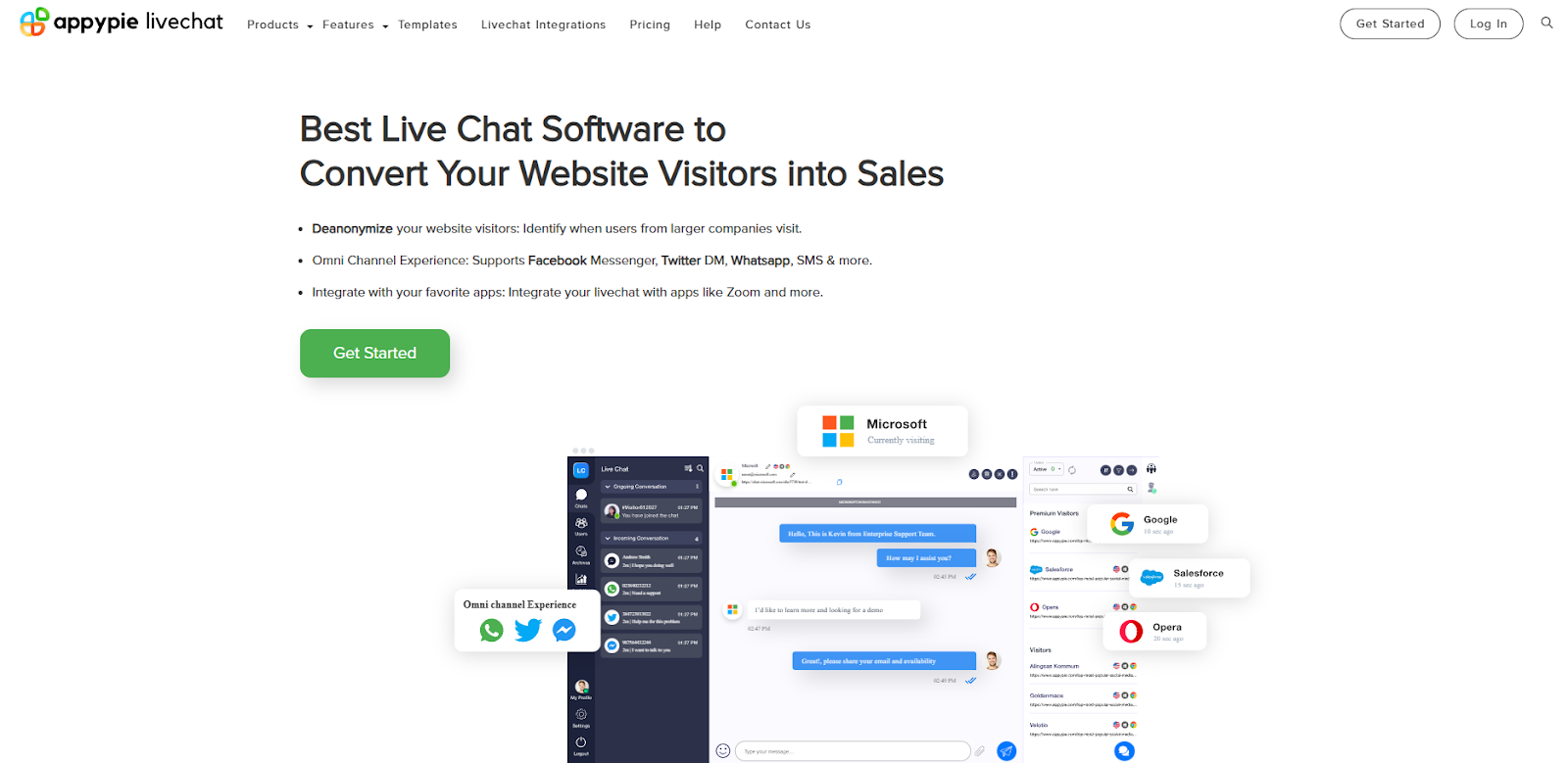
Appy Pie is known for being a “no-code” development platform powered by AI. It allows you to create and customize your workflow without any issues. Those who want to get creative with their business but don’t have programming knowledge can consider this platform.
The Live Chat feature from Appy Pie allows you to create amazing widgets within minutes, as well as set up seamless communications across different channels, including WhatsApp and Facebook.
“Appy Pie Livechat” has two plans only. The free plan allows you to test the basic features, whereas the “Premium” one gives you all the bells and whistles. It costs $7 per agent/month.
#10 – Birdeye
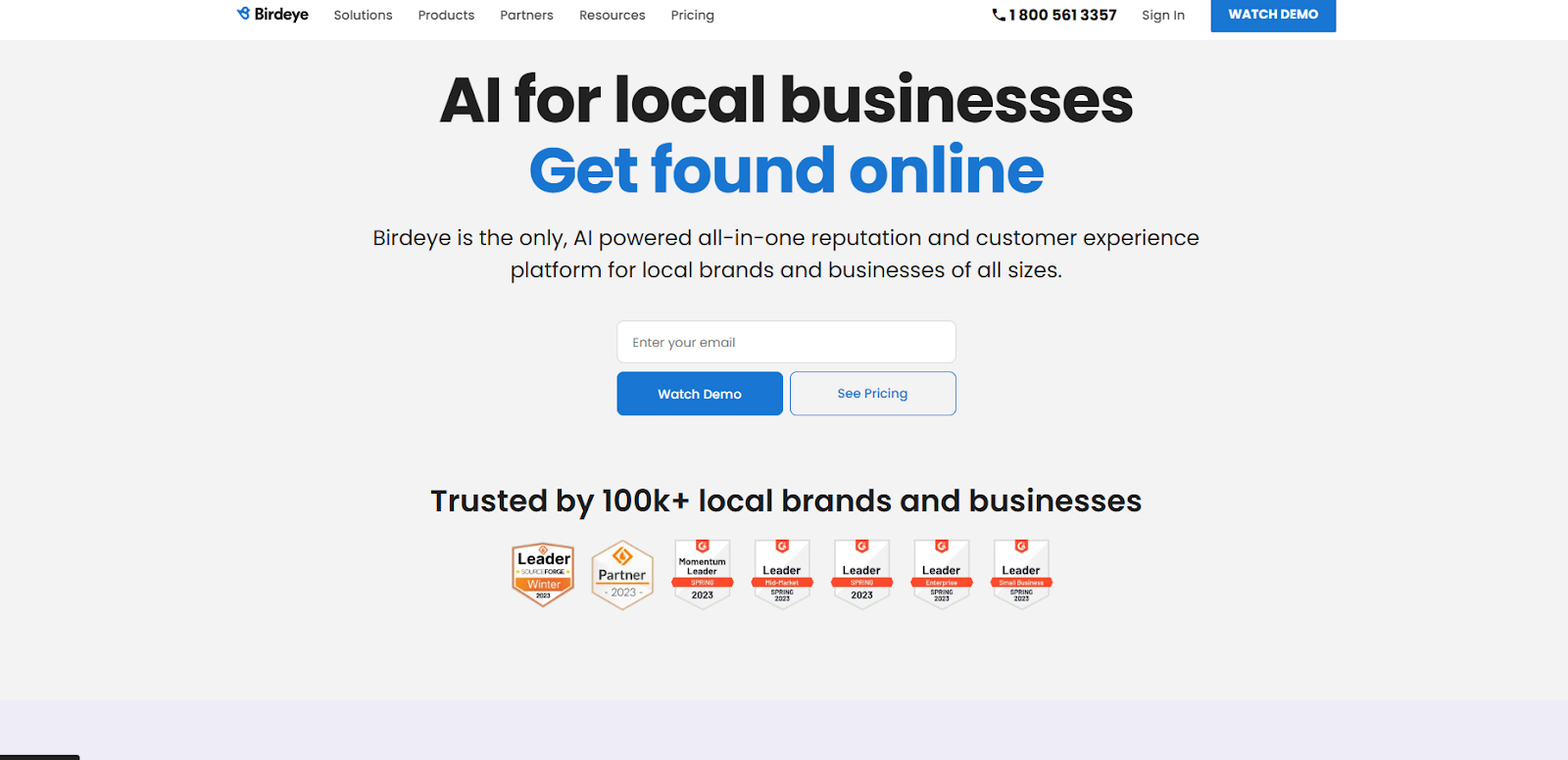
Birdeye offers an AI-powered customer service platform for businesses of all sizes. You can expect different features like:
- Social integrations
- Webchat
- Insights
- Surveys
- Appointments
You can use Birdeye for many different purposes, making it a decent product to consider if you’re still unsure of what to do with your communication channels.
Birdeye offers three plans:
- Starter
- Growth
- Dominate
Unfortunately, you have to contact the company if you want to get the price for any of the plans.
Conclusion
As a business owner, you must look for alternatives that adapt to all your needs. Getting a chat app is a considerable investment for many, so you must ensure you’re making the right call.
We hope this list helps you pick the perfect live chat platform for your business. Start optimizing the way you communicate with your customers today!

